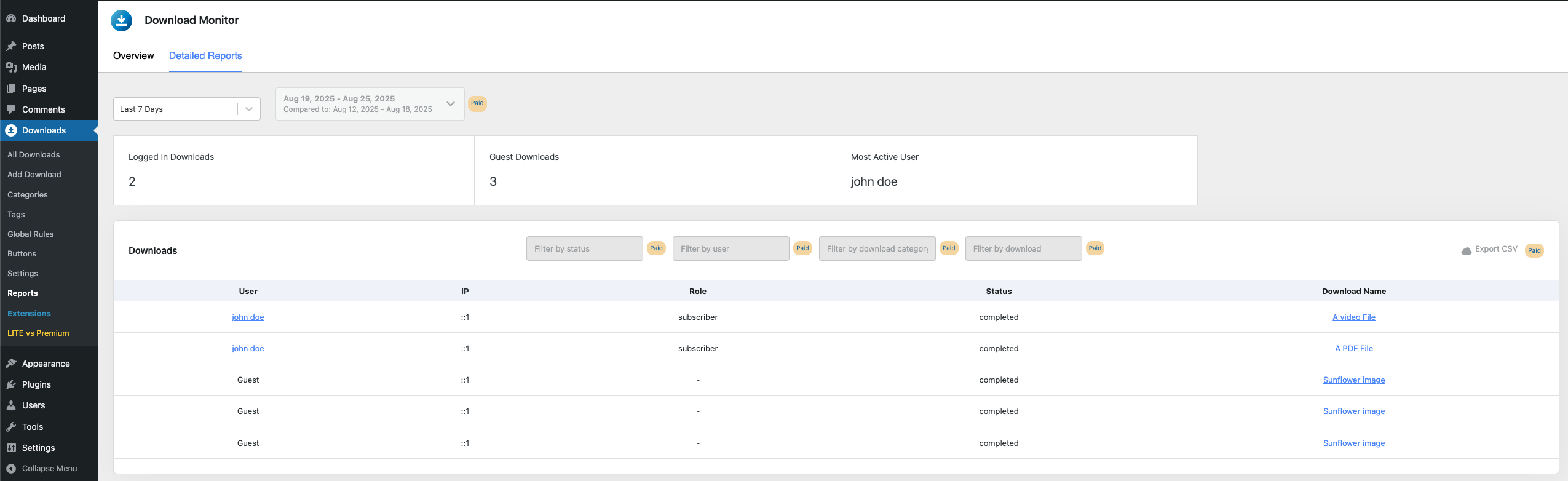
You can easily track your downloads with the help of our plugin. All you need to do is go to your WP dashboard > Downloads > Reports.
Overview tab
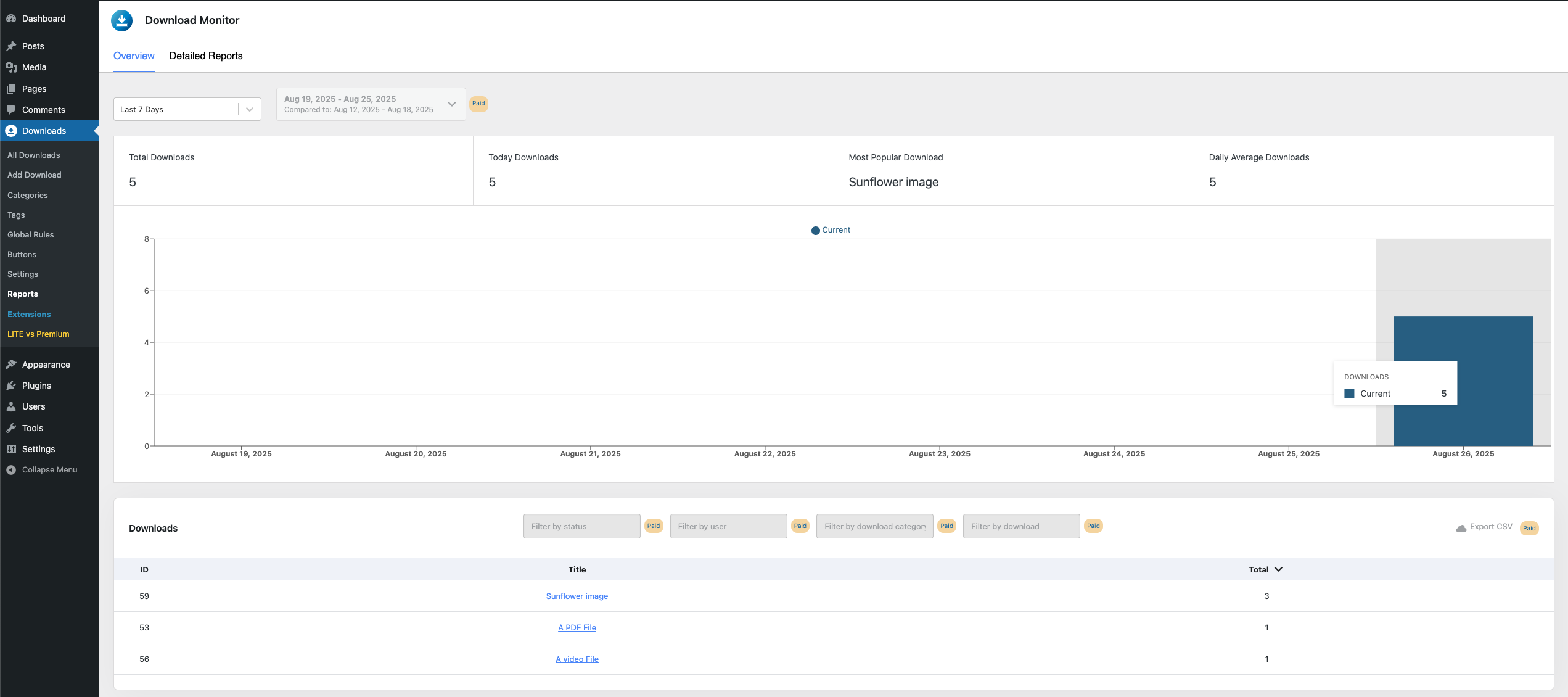
For the lite/free version, in this tab, you can check the downloads for the following periods: Last 7 days, Last Month, Last 30 Days.
At the top of the page, you will see the highlight cards: Total downloads, Today downloads, Most Popular Download, Daily Average Downloads.
Next, you will see a bar chart for the selected period with the number of downloads for each day.
Lastly, a table with download information will be provided under the bar chart with: Download ID, Title, and total number of downloads.
Detailed reports
In this tab, you can see the logged-in/logged-out downloads, the most active user, the IP, the role of the user, the status of the download, and the download name.