
Collect Emails Before
Every Download
Gate your downloads behind an email form. Grow your mailing list automatically,
verify subscribers with double opt-in, and sync leads to your favorite email platform.
120,000+ businesses have already made the switch
Email Lock transformed how we distribute content. We went from zero email captures to over 3,000 verified subscribers in just two months — all on autopilot.

Verified customer
Gate Downloads,
Grow Your List
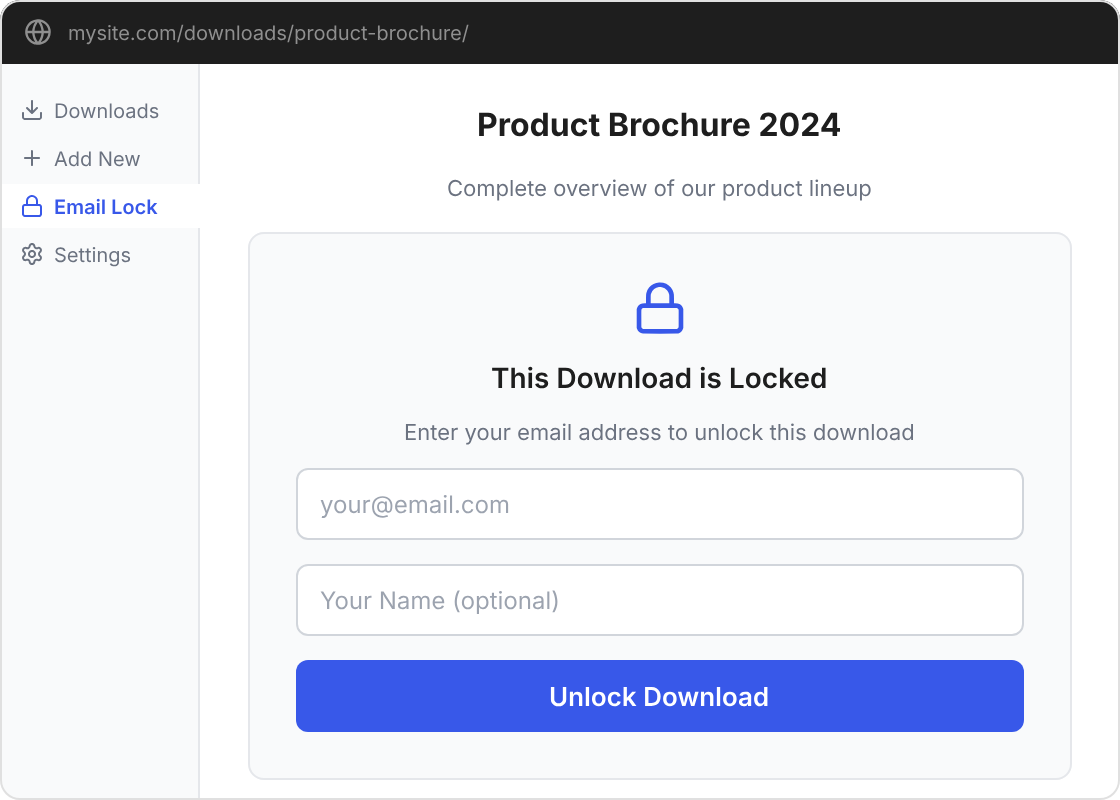
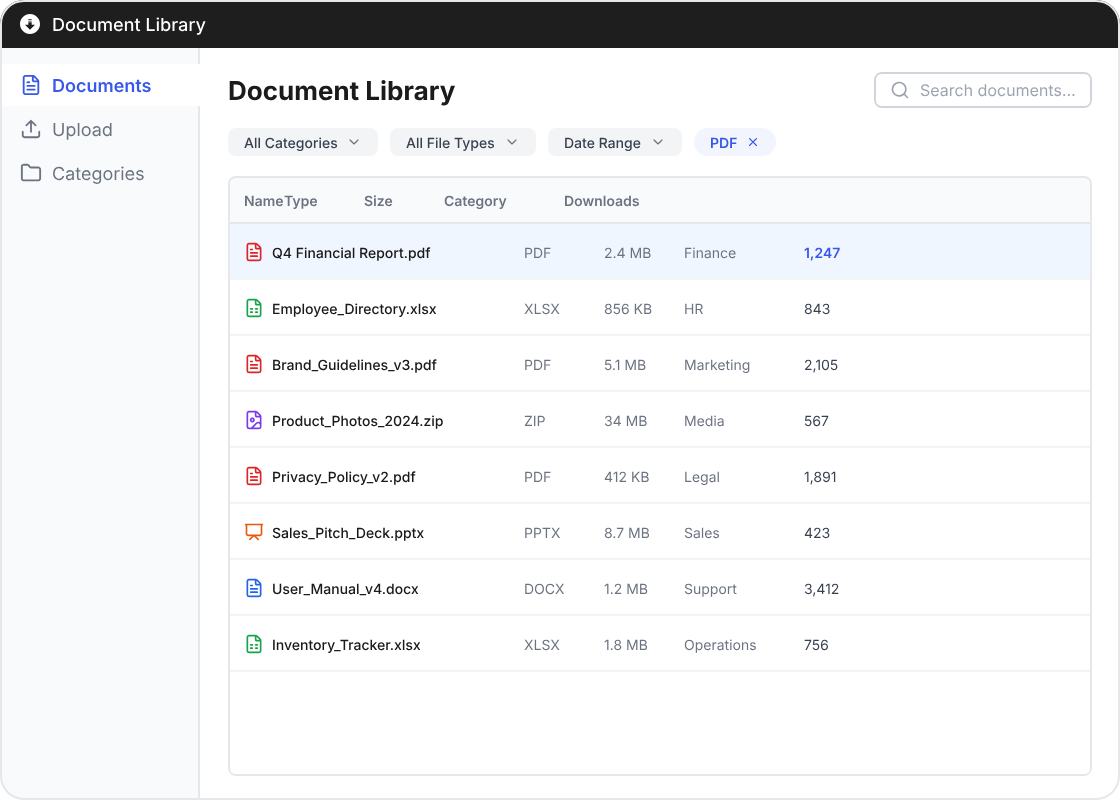
Require an email address before any download. Optionally collect first and last names. Choose to unlock just the requested file, all locked downloads, or email the download link directly.
Simple shortcode integration: [dlm_email_lock]
Modal popup display option
Customizable form fields and labels
Verify Every Subscriber
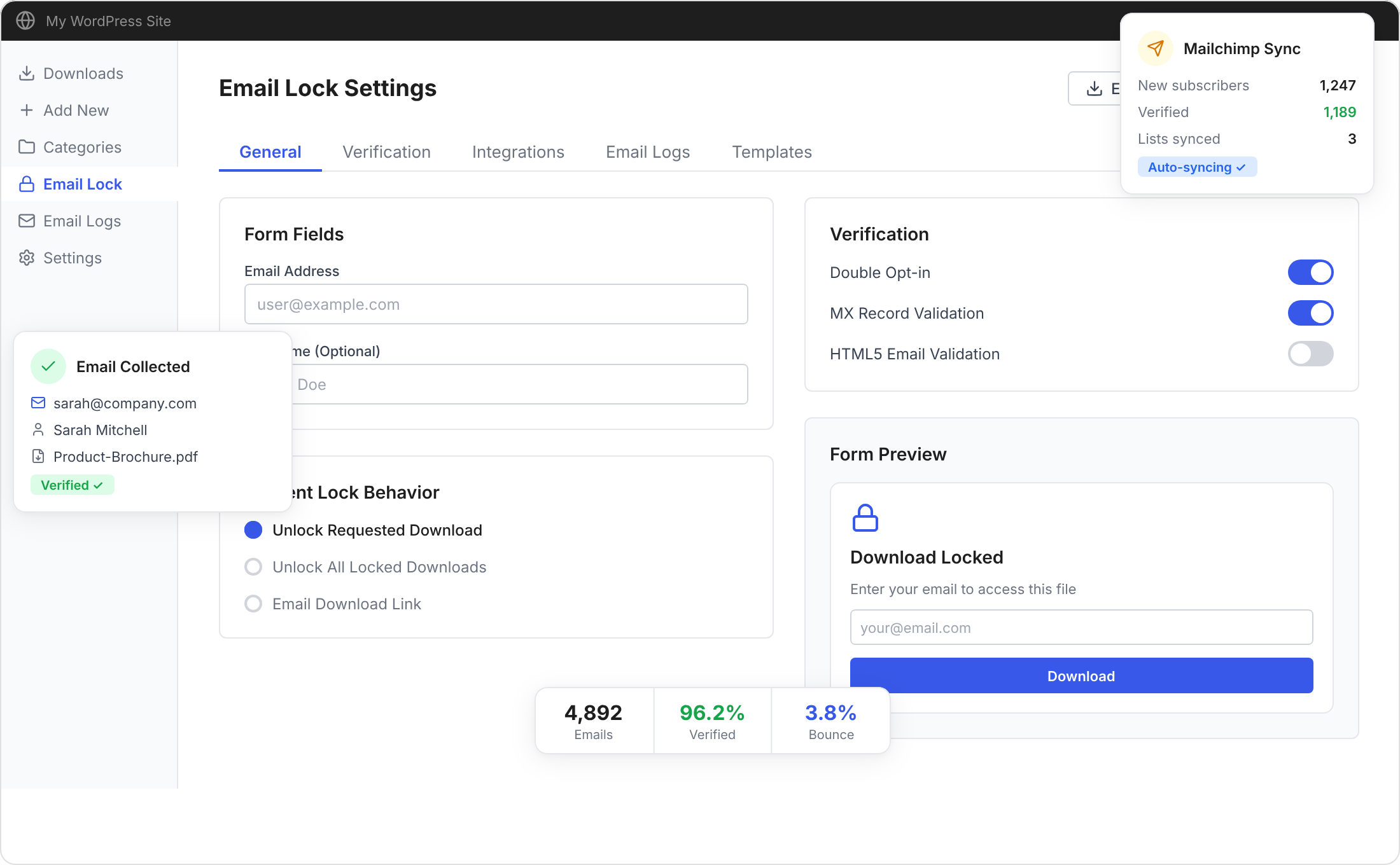
Ensure every email on your list is real. Double opt-in sends a confirmation email before granting access. MX record validation checks that the domain can actually receive mail.
Double opt-in email confirmation
MX record & HTML5 email validation
GDPR-ready consent checkbox
The double opt-in feature alone was worth it. Our bounce rate dropped from 12% to under 2%, and every subscriber we get is genuinely interested in our content.

Verified customer
Sync Leads to Your Email Platform
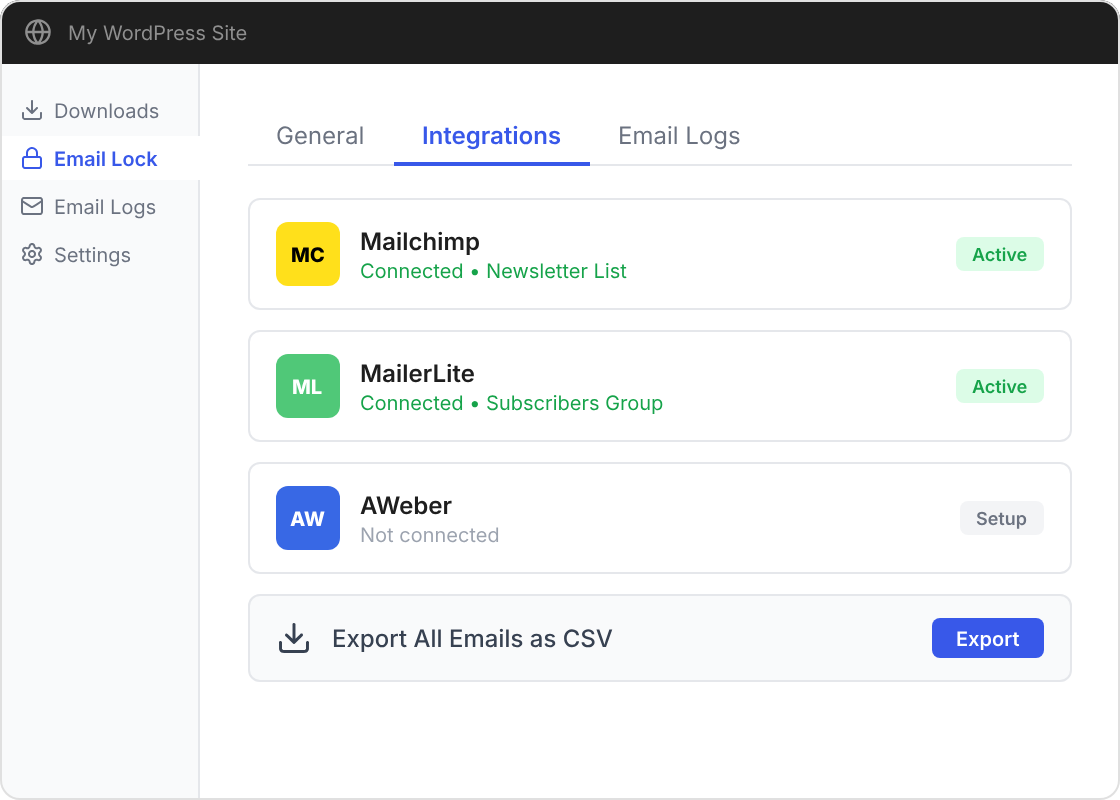
Automatically send collected emails to Mailchimp, MailerLite, or AWeber. Or export your entire subscriber list as CSV for use with any platform.
One-click Mailchimp, MailerLite & AWeber sync
CSV export for any email marketing tool
Complete email logs dashboard
Everything You Need to Collect Emails
A complete email collection toolkit built right into WordPress
Email Collection
Require email + optional name before granting download access to any file.
Double Opt-in
Send verification emails to confirm subscribers are real before unlocking content.
Email Integrations
Sync subscribers automatically to Mailchimp, MailerLite, or AWeber.
CSV Export
Export your entire subscriber list as CSV for use with any email platform.
Email Logs
Track every email collected with a full logs dashboard inside WordPress.
Template Customization
Override email templates via your theme for complete design control.
Trusted by WordPress Professionals
★★★★★
“We built our entire lead generation funnel around Email Lock. The Mailchimp integration alone saved us hours of manual data entry every week.”

Alex Rivera
Verified customer
★★★★★
“The double opt-in verification is a game changer. Our email list quality improved dramatically, and deliverability rates went through the roof.”

Sophia Nguyen
Verified customer
★★★★★
“Setting up Email Lock took about 5 minutes. Now every PDF we publish automatically builds our newsletter list. Simple and effective.”

James Patterson
Verified customer
Frequently Asked Questions
Email Lock gates your downloadable files behind an email capture form. When a visitor wants to download a file, they enter their email address first. Once verified, the download link is unlocked and the email is saved to your list automatically.
Email Lock integrates natively with Mailchimp, MailerLite, and AWeber. Collected emails are automatically synced to your chosen platform and list. You can also export all emails as CSV for use with any other email marketing service.
Double opt-in sends a confirmation email after the user submits their address. They must click a verification link before gaining access to the download. This ensures you collect only valid, genuine email addresses and helps maintain high deliverability rates.
Absolutely. You can customize the form title, description, button text, placeholder text, and colors to match your brand. The form is fully responsive and adapts to your site’s theme styling out of the box.
Yes, Email Lock works with all major page builders including Elementor, Beaver Builder, Divi, and the default WordPress block editor. Simply use the shortcode or Gutenberg block to place the email-gated download anywhere on your pages.
Yes. Email Lock includes built-in GDPR features such as a consent checkbox, customizable privacy policy link, and the ability for users to request data deletion. All collected data is stored securely on your own WordPress installation.