
Organize, Share and Manage
Documents on WordPress
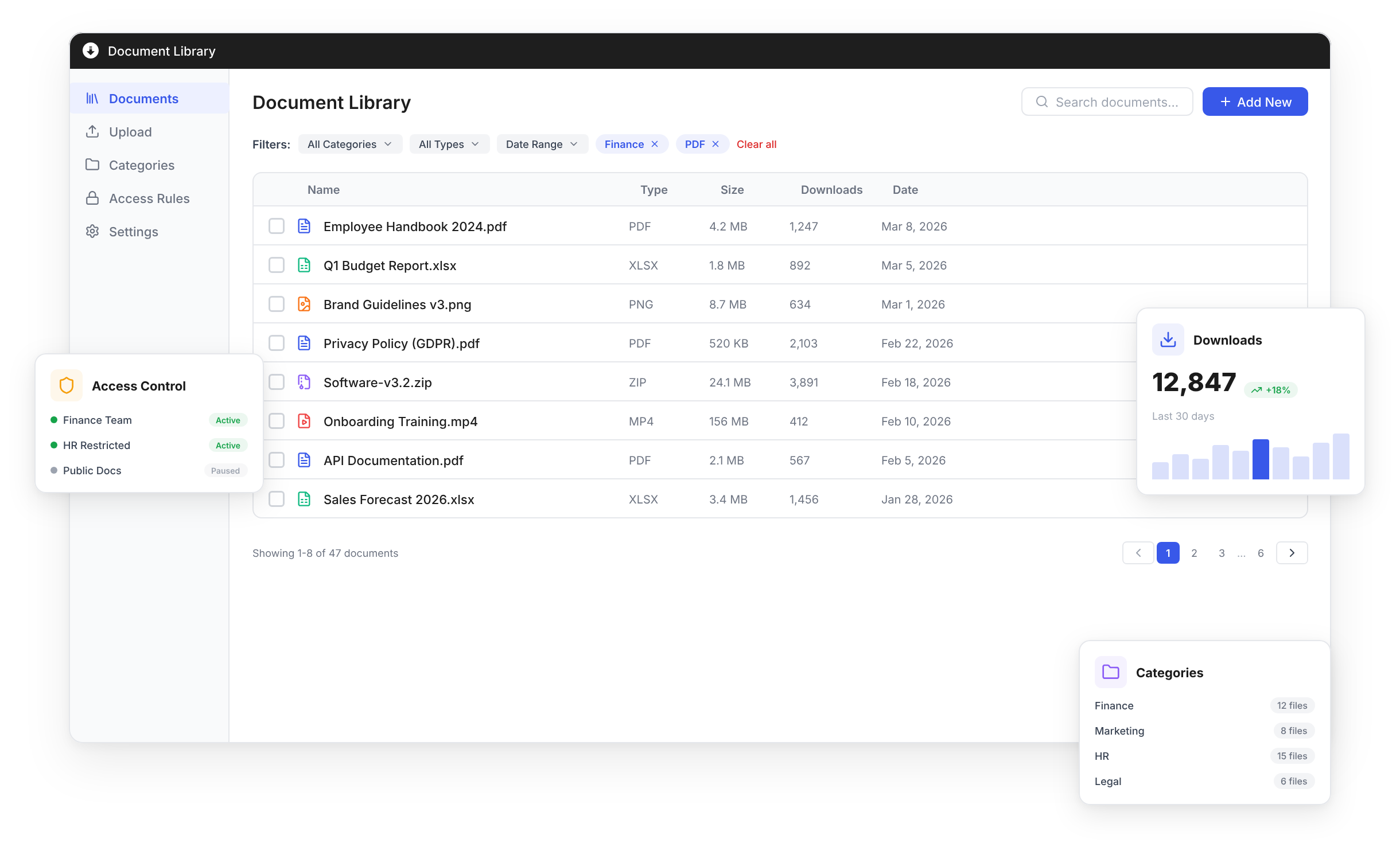
Create beautiful, searchable document libraries with advanced filtering,
access control and download tracking — all from your WordPress dashboard.
120,000+ businesses have already made the switch
“I had it running on our site in under five minutes — no developer needed. The setup wizard walked me through everything, and within the hour I had a full document library with download tracking live. It’s the easiest WordPress plugin I’ve ever configured.”

Verified customer
Searchable, Filterable
Document Libraries
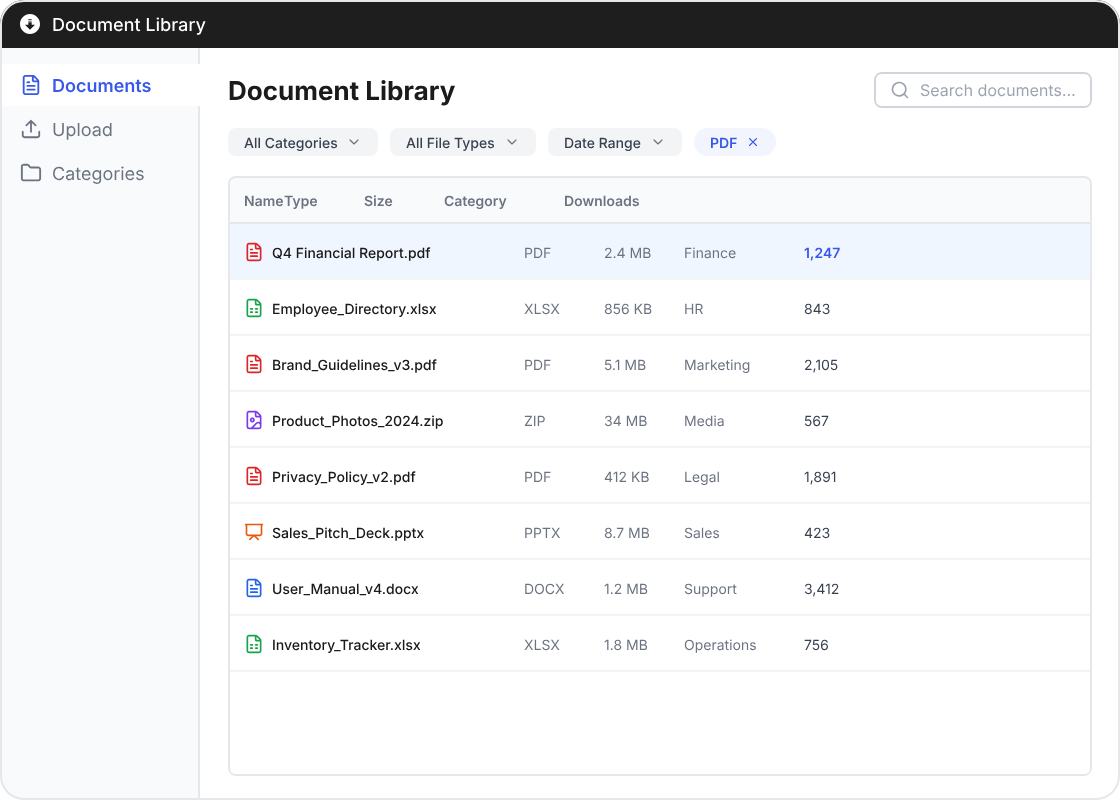
Give your users the power to find any document instantly. AJAX live search, taxonomy filters, sortable columns, and pre-filtered shortcode views make your document library a joy to use.
AJAX-powered instant search
Category and tag filtering
Sortable columns with custom views
Pre-filtered shortcode embeds
Control Who Sees
and Downloads What
Protect sensitive documents with role-based restrictions, password protection, and category-level access rules. Keep the right files in the right hands.
AJAX-powered instant search
Category and tag filtering
Sortable columns with custom views
Pre-filtered shortcode embeds
“We manage over 500 confidential documents across 12 departments. The role-based access rules and password protection mean our HR and legal files stay completely locked down — while marketing and sales teams can still self-serve the assets they need. It replaced three different tools for us.”

Verified customer
Set Up in Minutes, Track Forever
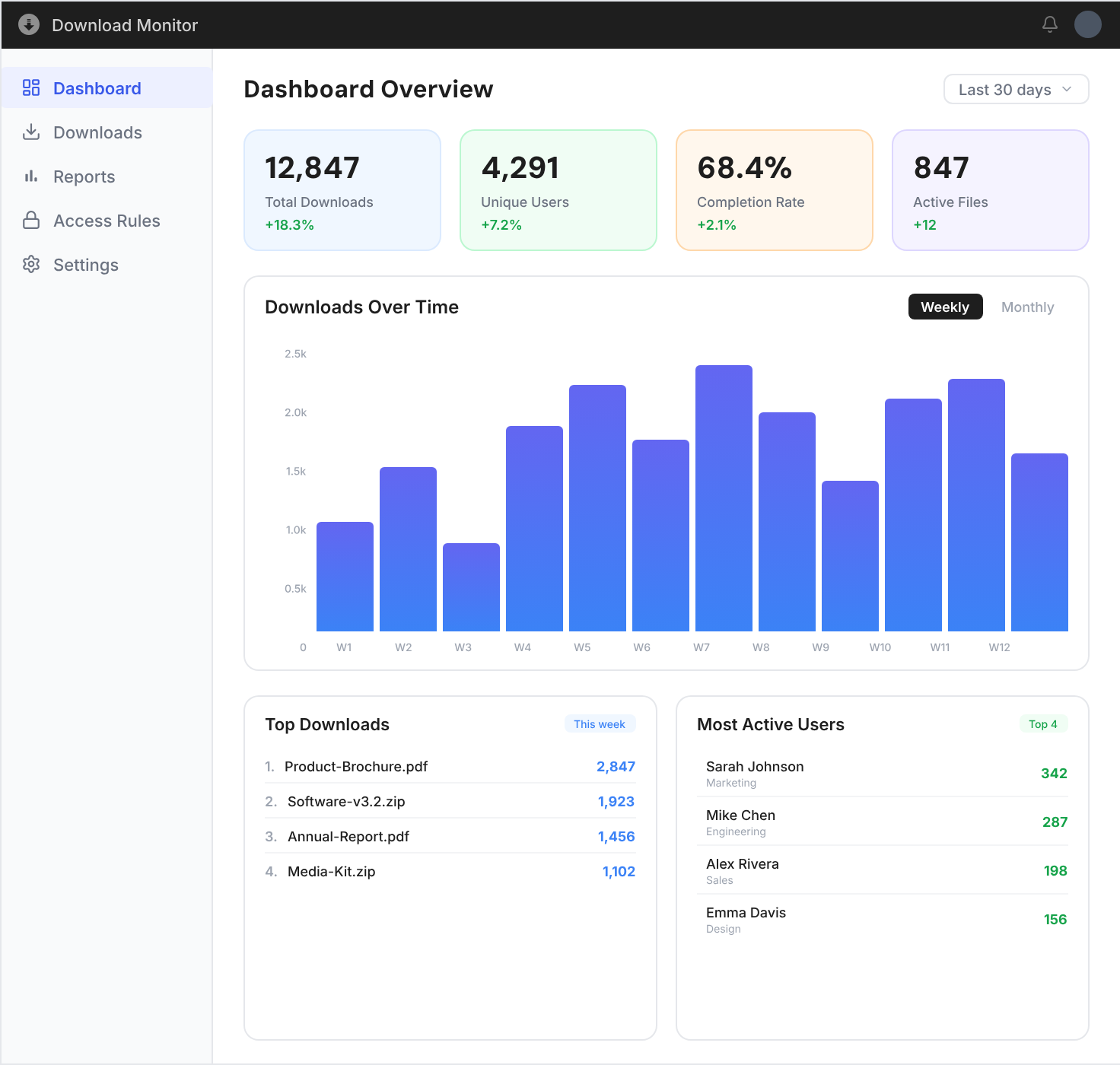
Download Monitor integrates seamlessly with your existing WordPress setup. No coding required — just install, configure, and start tracking.
Install & Activate
Add from the WordPress plugin directory with one click.
Upload & Organize
Add files and organize with categories, tags, and versions.
Monitor & Report
Track downloads in real-time and export detailed analytics.
Powerful Features for Every Use Case
From simple file sharing to enterprise document management.
Drag & Drop Upload
Upload files effortlessly with drag-and-drop or bulk upload. Supports all file types.
Access Control
Role-based permissions and password protection for sensitive files. Control who accesses what.
Version Management
Keep track of file revisions with built-in version history and easy rollback.
Email Notifications
Get notified when files are uploaded, downloaded, or updated. Keep your team in sync.
Multiple Layouts
Display documents as tables, grids, or folder trees. Choose the layout that fits your content.
Blocks & Shortcodes
Embed document libraries anywhere with customizable shortcodes and Gutenberg blocks.
Loved by thousands of
WordPress businesses
★★★★★
Document Library Manager completely transformed how we handle file distribution. The search and filtering alone save us hours every week.

Sarah Mitchell
Verified customer
★★★★★
Finally, a WordPress plugin that treats file management seriously. Clean interface, fast performance, reliable access controls.

David Chen
Verified customer
★★★★★
We replaced three separate tools with Document Library Manager. Version control and access management are exactly what we needed.

Anna Kowalski
Verified customer
Frequently Asked Questions
Document Library Manager supports all common file types including PDF, Word, Excel, PowerPoint, images, ZIP archives, and more. You can upload and manage any file type that WordPress allows, and even extend support for custom file types through filters.
Yes! You can restrict documents by user role, password, or category. Set access rules at the document level or apply them across entire categories for bulk management.
Yes, Document Library Manager works seamlessly with all major page builders including Elementor, Beaver Builder, and Gutenberg. Use shortcodes or dedicated blocks to embed document libraries anywhere on your site with full styling control.
Each time you upload a new version of a document, the previous version is automatically archived. Users always see the latest version, while administrators can view the full version history, compare changes, and restore older versions with a single click.
Yes, when used alongside Download Monitor, you get full download tracking with user details, timestamps, IP addresses, and file-level analytics. This is especially useful for compliance, auditing, and understanding which documents are most accessed.
Document Library Manager requires the free Download Monitor plugin as its foundation. The Document Library Manager extension itself is a premium add-on that provides the advanced library views, filtering, search, and category management features.